Table of Contents
That Weird Feeling You Can’t Explain
You’re playing like usual. Same setup, same controller, same game. Nothing changed… at least that’s what it looks like. But something feels off. Aim slips a bit. Movement isn’t smooth. You try again, slower… still weird.
Most people just ignore it at first. Then they start checking stuff. Maybe run a controller drift test, maybe open a controller checker, or just randomly try to test controllers thinking it’ll magically fix something. Some even go deeper… trying a controller vibration test or opening a joypadtester just to see what’s going on.
And yeah, that’s usually where this whole thing starts. Not from theory. From frustration.
What is Controller Circularity ?
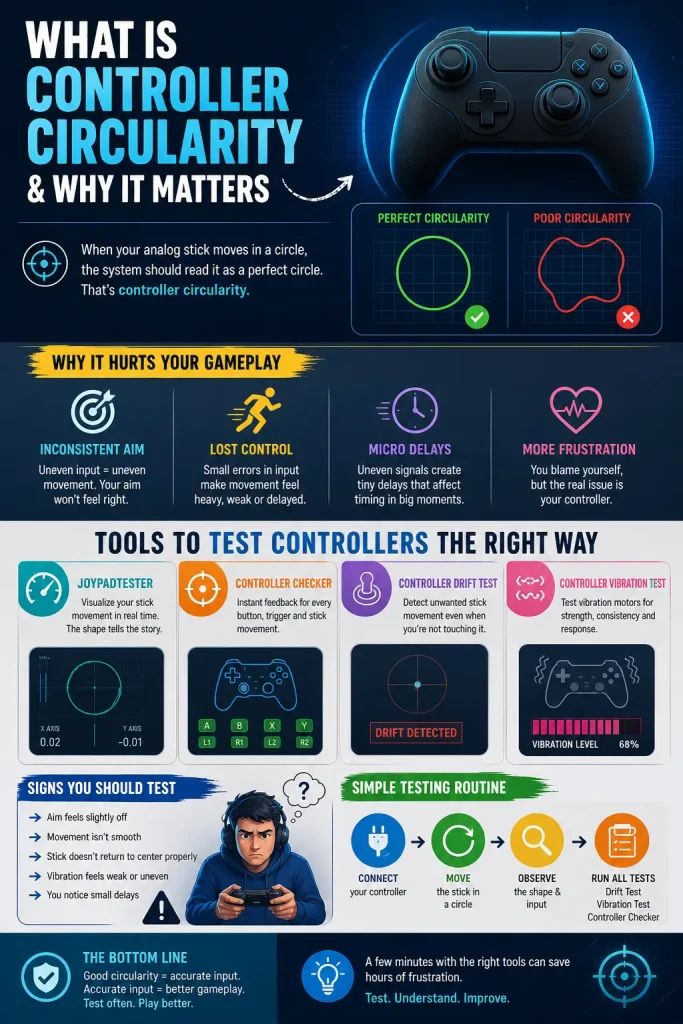
Controller circularity… it’s just how your analog stick behaves when you move it in a circle. That’s it. But the important part isn’t the movement. It’s how the system reads that movement.
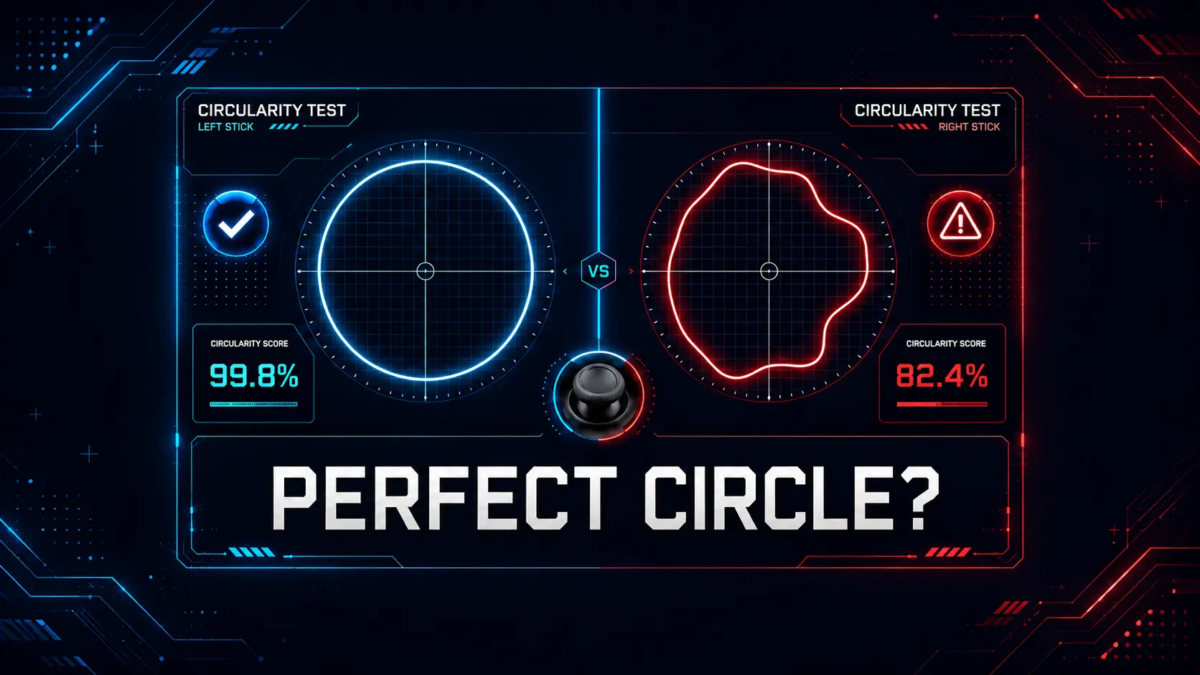
In a perfect case, you rotate the stick and the input forms a clean circle. Smooth. Even. No weird edges. But in reality… it’s often not like that. Sometimes it stretches, sometimes it cuts corners, sometimes it looks like a broken oval. You don’t see that while playing. You feel it. Controller circularity depends on how a joystick translates your movement into signals, where even small inaccuracies can affect the overall input shape.
Why It Starts Affecting You Without Noticing
Input Consistency or lack of it
You think you’re doing the same movement again and again. But the output isn’t matching. Slight difference each time. That messes with muscle memory. And once that’s off… everything feels harder than it should be.
A controller checker can actually show this. You move the stick, and the response on screen isn’t as clean as expected. Not dramatic. Just… inconsistent.
The Signal Path Inside
Controllers aren’t just sending movement directly. There’s a chain.
Stick → sensor → signal → processing → output
If the circular path is already uneven at the start, everything after that gets affected too. You get strange curves, tiny spikes, uneven sensitivity in different directions. Nothing fully breaks. But nothing feels right either.
Problems That Show Up Over Time
Stick Drift (not always obvious)
People think drift is always extreme. It’s not. Sometimes it’s very light. Almost invisible. That’s why running a controller drift test matters. It shows if your stick is slightly moving even when you’re not touching it. And yeah… even small drift can mess with aim. Slowly.
Vibration Feels Different
This one’s weird. Most people don’t connect it. But when signals are inconsistent, vibration feedback can feel off too. Delayed. Uneven.
A controller vibration test helps here. Not something you do daily, but when things feel strange… it’s worth checking.
Micro Delays
Not lag. Just tiny delays. You move… game reacts a fraction later. You start doubting your timing. Sometimes it’s not timing. It’s the input curve being uneven, so the system takes longer to process certain movements. To measure input lag precisely, see our guide.
Tools That Actually Help
Ways to Test Controllers Without Guessing
You don’t need anything complex. Just open a tool, plug your controller, and check what’s happening.
Using a joypadtester
A joypadtester shows your stick movement visually. You move in a circle… and a shape appears.
What you want is simple:
- smooth circle
- balanced edges
What you might see instead… not exactly that. Maybe stretched. Maybe uneven. That’s circularity showing itself. Real-Time Check with a controller checker
A controller checker gives instant feedback. No delay.
You move → it shows.
You press → it reacts.
Good for spotting small inconsistencies that you’d otherwise ignore.
When You Should Test
No need to overdo it. Just test when:
- something feels off
- you’ve been using the controller for a long time
- you got a new one
Even a quick session to test controllers can clear things up.
Why This Matters in Real Use
It’s not just a technical detail. It affects how the game feels. When circularity is good, everything feels predictable. Smooth. You don’t think about it. When it’s not… you start adjusting constantly. Overcorrecting. Missing small inputs. And that gets tiring fast.
Circularity vs Basic Checks
Basic checks are simple. Buttons working, stick moving. Done. But that doesn’t tell you how accurate the movement is. Circularity testing goes deeper. It shows how clean your input actually is. And yeah… that matters more than people think.
Signs You Might Be Ignoring
Sometimes you already know. Just not clearly.
- aim feels slightly off
- movement isn’t smooth
- stick doesn’t return properly
Nothing major. Just enough to annoy you.
Simple Way to Check Everything
Keep it basic:
Open a tool. Move the stick in circles. Watch the shape. Then run a controller drift test, try a controller vibration test, and check inputs with a controller checker. Takes a few minutes. That’s it. For a full check, see testing buttons and triggers.
Final Thoughts
Controller circularity isn’t something people talk about much. Until they notice something wrong. Then it starts making sense. Why things felt off. Why inputs weren’t consistent. You don’t need perfect hardware. Just something that responds the way you expect. Sometimes, checking with a joypadtester and taking time to test controllers is enough to figure it out.
FAQs
1. What is controller circularity?
It’s how your joystick movement is read when you move it in a circle. Clean circle = good.
Weird shape = problem. Simple.
2. How do I check if my controller is fine?
Open a tool, move the stick in circles, watch the shape. Or just test controllers quickly and see if anything feels off.
3. Is circularity same as drift?
No. Drift = unwanted movement. Circularity = inaccurate movement. Still… both can exist together. Run a controller drift test to be sure.
4. Do I need to test vibration too?
Not always. But if feedback feels weird, yeah… try a controller vibration test. Takes a minute.
5. What’s the fastest way to check everything?
Use a controller checker. Real-time input. You move → it shows. No guessing.
6. Does joypadtester actually help?
Yes. A joypadtester shows the actual movement shape. If it’s not a circle… you’ll know instantly.
7. Why does my aim feel off sometimes?
Could be circularity. Could be drift. Could be both.
Don’t guess… just test controllers and check.
8. How often should I test?
Not daily. Just when something feels off… or before serious gameplay.
9. Can I fix circularity issues?
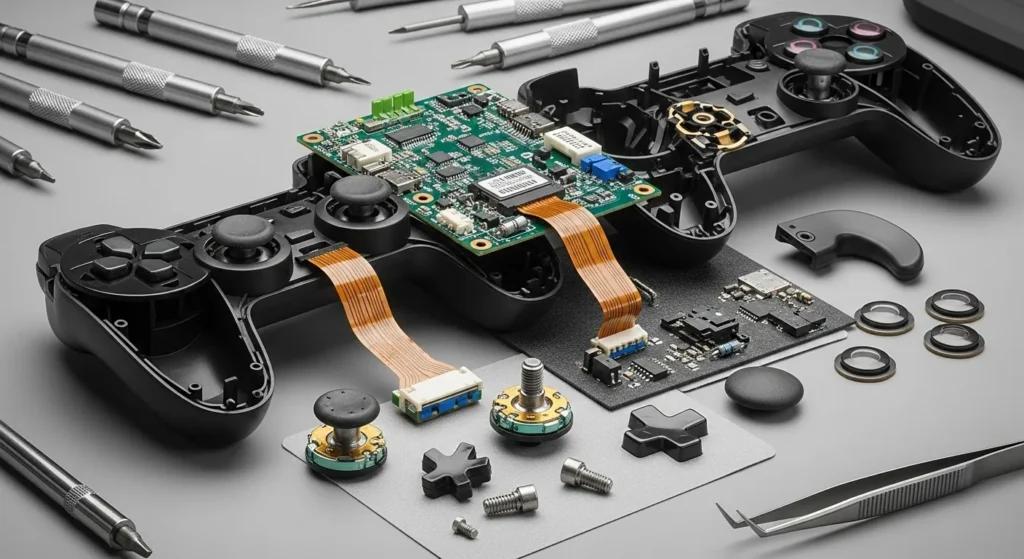
Sometimes. Calibration helps. Cleaning too.
If not… then yeah, hardware issue.